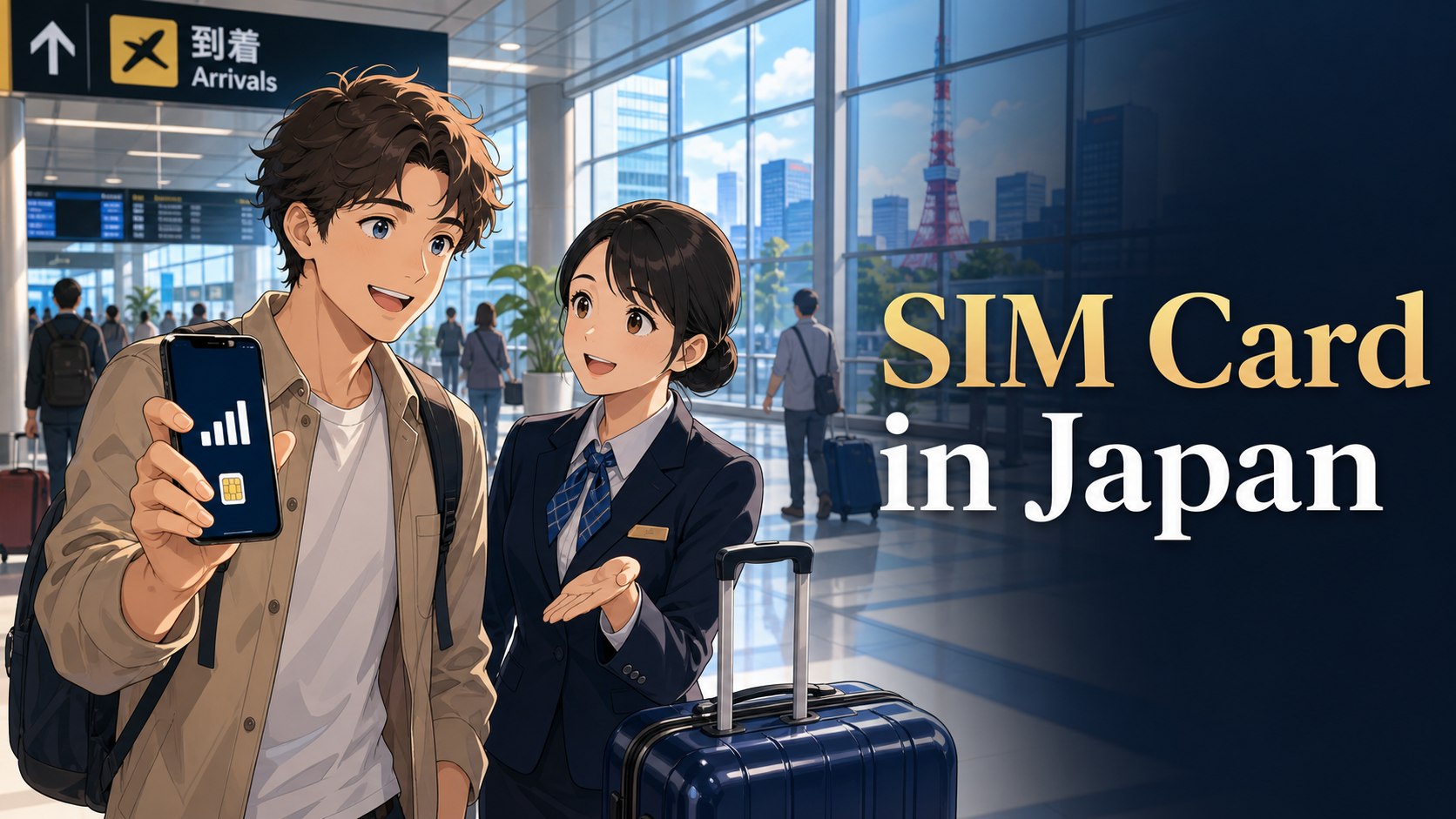
SIM card in Japan for foreigners.
A practical first-week guide to eSIMs, pocket Wi-Fi, airport SIM cards, and IC cards after arriving in Japan.
Hello, this is HarukaBase. One of the first things many foreigners worry about after landing in Japan is simple: how do I get online, contact my hotel or share house, use maps, and pay for trains without getting stuck?
This guide explains the main options in plain English: eSIM, physical SIM card, pocket Wi-Fi, airport Wi-Fi, and IC cards such as Suica or Welcome Suica. It is written for tourists, people on working holiday visas, short-term students, and people moving to Japan for the first time.
- For short stays, eSIM or pocket Wi-Fi is usually the fastest option.
- For longer stays, a local mobile plan may require an address, ID, or Japanese payment method.
- Do not leave the airport without at least one way to contact your accommodation or support team.
- An IC card helps with trains, buses, vending machines, convenience stores, and coin lockers.
SIM Card in Japan for Foreigners: Compare eSIM, Physical SIM, and Pocket Wi-Fi
Foreigners arriving in Japan usually choose from four practical internet options: airport Wi-Fi, an eSIM, a physical travel SIM card, or a pocket Wi-Fi device. The best choice depends on your stay length, phone compatibility, budget, and whether you need to share data with friends or family.
The Japan National Tourism Organization explains that common options include buying or renting a SIM card, eSIM, or pocket Wi-Fi at the airport, or reserving one online in advance and picking it up after arrival. For short-term visitors, eSIMs and pocket Wi-Fi devices are especially convenient.
Quick Comparison: eSIM, SIM Card, or Pocket Wi-Fi?
| Option | Best for | Things to check |
|---|---|---|
| eSIM | Travelers who want internet immediately after landing | Your phone must support eSIM and be unlocked. |
| Physical travel SIM | People who prefer a physical card and simple prepaid data | Your phone must be unlocked and compatible with Japanese networks. |
| Pocket Wi-Fi | Families, groups, laptops, or heavy data users | You must carry, charge, and return the device. |
| Local mobile plan | Longer stays, work, study, and people living in Japan | You may need address registration, ID, and a payment method. |
Which Option Should You Choose on Arrival Day?
If you remember only one thing, choose an option that lets you use maps and messages before leaving the airport. The cheapest plan is not always the best first-day plan, especially if you are tired, carrying luggage, or arriving late at night.
| Your situation | Best first choice | Why it works |
|---|---|---|
| Solo tourist staying 1 to 2 weeks | eSIM if your phone supports it | You can install it before departure and go online quickly after landing. |
| Phone does not support eSIM | Physical prepaid SIM or pocket Wi-Fi | A prepaid SIM is simple for one phone; pocket Wi-Fi may be easier if phone setup feels difficult. |
| Family or group trip | Pocket Wi-Fi | One device can share data with several phones, tablets, or laptops. |
| Short-term student or working holiday arrival | Temporary eSIM or pocket Wi-Fi first, local plan later | You may need an address, ID, or payment method before signing up for a longer mobile plan. |
| Late-night flight | Pre-booked eSIM or pocket Wi-Fi | Airport counters and support desks may not match your arrival time. |
This is also why many foreigners use two steps: a short-term travel connection for the first few days, then a longer-term mobile plan after address registration, housing check-in, and payment setup are clearer.
Should You Buy Before Arrival or at the Airport?
If you are nervous about your first arrival, reserving an eSIM or pocket Wi-Fi before departure is often safer. You can install the eSIM before your flight or pick up the device at the airport. This reduces the chance of being tired, confused, and offline at the same time.
Buying at the airport can also work, but counters may be busy, options may vary by airport and time, and some plans may not fit your stay length. If your flight arrives late at night, pre-arranging your internet is especially useful.
Buying at the Airport: What to Check Before You Pay
Buying a SIM card or renting pocket Wi-Fi at Narita, Haneda, Kansai, or another airport can be convenient, but do not treat every counter as the same. Official airport pages show that mobile Wi-Fi rental and SIM sales locations exist, but exact shops, terminals, opening hours, and products can differ.
Before you pay at a counter or vending machine, check these points in simple English:
- Can my phone use this? Confirm that your phone is unlocked and compatible.
- Is it data-only? Many travel SIMs and eSIMs are data-only, so normal phone calls may not be included.
- When does the plan start? Some plans start when activated; others may start from purchase or installation.
- What happens if setup fails? Ask whether staff can help before you leave the counter.
- Can I return it? Pocket Wi-Fi rentals usually need a return method, such as airport return, counter return, or mail return.
- Can I pay with my card? Prepare a credit card, but keep some cash as a backup for transport or emergencies.
Arrival tip: if you are arriving with children, heavy luggage, or a late check-in, do not spend too long comparing plans at the airport. Pick a reliable first connection, reach your accommodation safely, and fine-tune your mobile plan later.
Important: Check Your Phone Before You Fly
Before choosing any SIM or eSIM, check whether your phone is unlocked. A locked phone may not accept another carrier’s SIM or eSIM. Also check whether your model supports Japanese network bands and eSIM installation.
HarukaBase tip: take screenshots of your eSIM QR code, accommodation address, pickup details, and emergency contacts before boarding. If airport Wi-Fi is unstable, screenshots can save you.
Payment and Setup Checklist for Foreigners
Many first-time visitors focus only on the data price, but setup and payment can be the real problem. Prepare the following before your flight so you are not stuck at the airport with a phone that cannot connect.
- Check whether your phone is unlocked by your home carrier.
- Check whether your phone supports eSIM if you plan to use one.
- Update your phone software before traveling, not at the airport.
- Save your eSIM QR code or activation instructions offline.
- Bring the small tool needed to open your SIM tray if you may use a physical SIM.
- Prepare a credit card that works overseas, plus a small amount of Japanese yen.
- Download offline maps for your airport-to-accommodation route.
- Save your accommodation address in English and Japanese if possible.
- Carry a power bank or keep your battery high until you reach your room.
For longer stays, do not be surprised if a local mobile plan asks for more than a passport. Depending on the provider and plan, you may be asked for a residence card, address, Japanese phone number, Japanese payment method, or other documents. For the first week, a temporary travel connection is often the easiest solution.
SIM Card in Japan for Foreigners: IC Cards and First-Day Setup
An IC card is not an internet product, but it makes life in Japan much easier. You can use it for trains, buses, convenience stores, vending machines, and sometimes coin lockers. JR East explains that Welcome Suica is e-money for travel and shopping, and it can be used for 28 days beginning with the date of purchase.
Welcome Suica and other transportation IC cards can be useful right after arrival because you do not need to buy a ticket each time. However, availability and sales locations can change, so check the latest airport or railway information before you rely on one specific card.
IC Card and Mobile Payment: What to Set Up First
An IC card such as Suica, Welcome Suica, PASMO, or another regional card is separate from your SIM, but it solves a different first-day problem: moving around without buying a paper ticket every time. It can also help at convenience stores, vending machines, coin lockers, and some taxis or shops.
For many English-speaking arrivals, the practical order is:
- Get online first with eSIM, SIM, pocket Wi-Fi, or airport Wi-Fi.
- Confirm your route from the airport.
- Set up or purchase an IC card if it is available and useful for your route.
- Keep cash or a credit card as backup because not every payment situation accepts IC cards.
Welcome Suica is designed for short-term visitors and JR East states that it can be used for 28 days from the date of purchase. Availability and purchase locations can change, so check official airport or railway pages before assuming one exact sales point will be open.
First 24 Hours: A Simple Internet and Transport Setup Plan
- Before departure, decide whether you will use eSIM, pocket Wi-Fi, or airport pickup support.
- Save your hotel, share house, homestay, or apartment address offline.
- After landing, connect to airport Wi-Fi only long enough to confirm messages and maps.
- Activate your eSIM or pick up your pocket Wi-Fi if pre-booked.
- Confirm your route or driver meet-up point before leaving arrivals.
- Get or charge an IC card if it fits your route.
- Message your accommodation or support team before moving.
- Keep your phone battery above 30% until you reach your room.
Common Mistakes to Avoid
- Arriving with a locked phone and no backup plan.
- Assuming every airport counter is open late at night.
- Forgetting that pocket Wi-Fi needs to be charged and returned.
- Trying to handle SIM setup, train transfers, and housing check-in while exhausted.
- Depending only on public Wi-Fi for your first trip from the airport.
Short FAQ for First-Time Arrivals
Can I rely only on free airport Wi-Fi?
Use free airport Wi-Fi as a backup, not as your whole plan. It may be enough to send a message or open a map, but you still need a stable connection after leaving the airport.
Is an eSIM always better than a physical SIM?
No. eSIM is convenient only if your phone supports it and you can install it correctly. If your phone is not eSIM-compatible, a physical prepaid SIM or pocket Wi-Fi may be easier.
Is pocket Wi-Fi worth it for one person?
Sometimes. It is less convenient than eSIM because you must carry and charge another device, but it can be useful if you need a lot of data, have a locked phone, or want a separate backup connection.
Should students get a local phone plan immediately?
Usually, it is better to secure a temporary connection first. After your housing, address registration, school schedule, and payment method are clearer, you can compare longer-term options calmly.
Internet setup should connect to your real first-week plan. For arrival transport, see Japan Airport Pickup with English Support. For your first address and move-in plan, see Housing Support in Japan for Foreigners. If your stay is connected to short-term study, check Language School Application Support in Japan.
How HarukaBase Can Help
HarukaBase does not sell SIM cards or telecom contracts directly. Instead, we help with the arrival side: airport pickup, English WhatsApp support, first-week questions, housing support, and school application support. If you are arriving late, carrying large luggage, or moving into a share house, homestay, or monthly apartment, we can help you land with less stress.
Get a clear estimate for airport pickup, housing support, school support, and first-week arrival help in English.
Ask for a Free Quote →SIM Card in Japan for Foreigners: Final Recommendation and Sources
Arrival Setup
SIM, eSIM, pocket Wi-Fi, payment, and IC card choices depend on your first-day route.